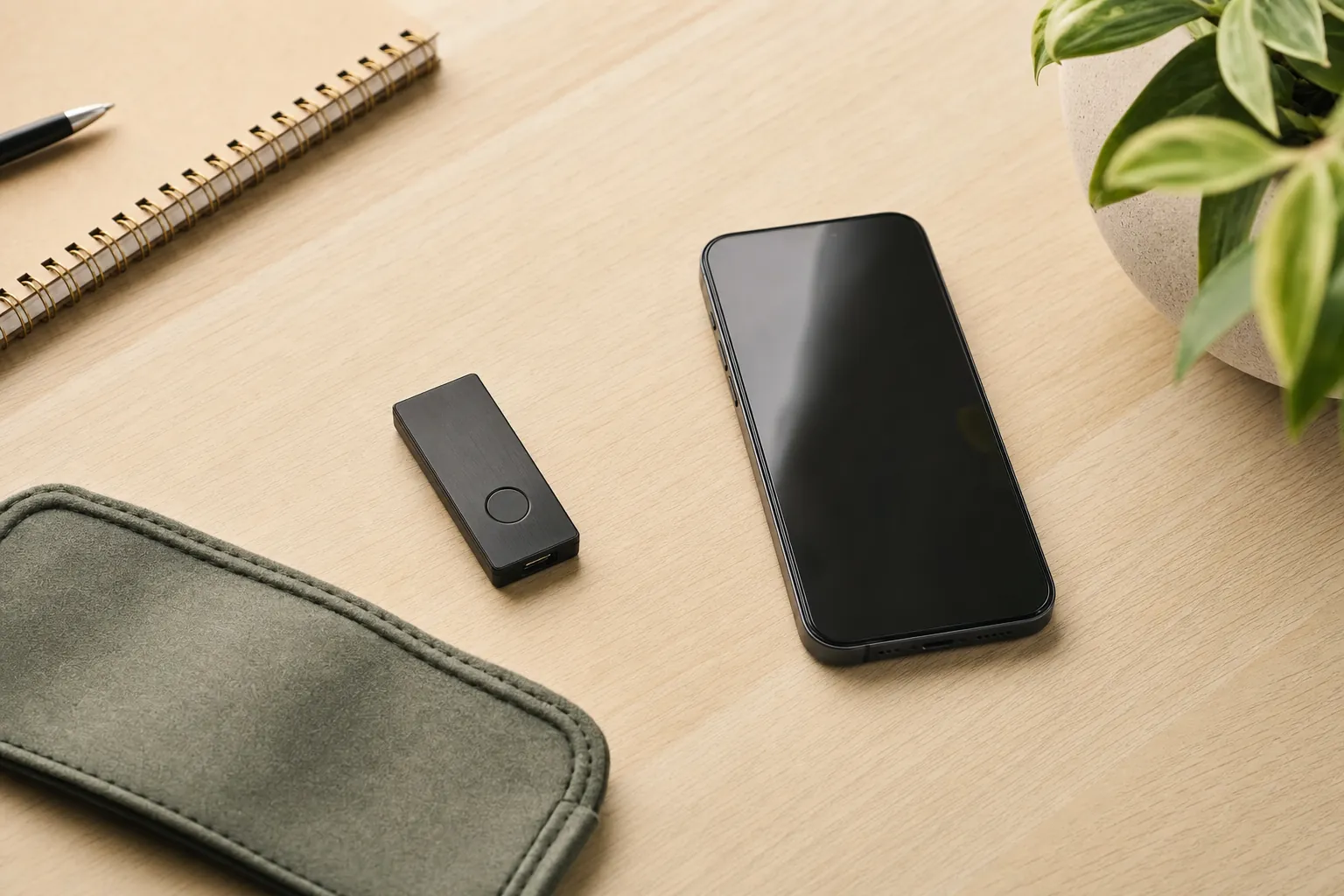
A wallet choice is really a routine choice. A software wallet puts access close at hand on a phone, computer, or browser. A hardware wallet adds a separate device and a confirmation step. Neither removes risk. The useful question is which setup lets you make careful decisions without pretending you will be perfect every time.
Start with what a crypto wallet actually does
A crypto wallet is not a bank account and it does not hold coins in the same way a leather wallet holds cash. It gives you a way to manage the keys and approvals associated with assets on a blockchain. That distinction matters because losing access to the credentials can be very different from forgetting a password for a retail account.
There are two broad ways people handle that access. A software wallet is an app, desktop program, or browser extension on an internet-connected device. A hardware wallet is a separate physical device designed to keep sensitive key operations apart from the phone or computer you use to browse. The labels are helpful, but they are not a complete safety rating. A hardware wallet can still be used carelessly, and a software wallet can still be used with thoughtful limits.
Before comparing features, decide what you expect the wallet to do. Are you learning with a small amount? Do you need to connect to an app often? Do you plan to buy and hold for a long time? Are you prepared to manage an offline recovery backup? Your answers should lead the choice, not an influencer’s desk setup.
Software wallets: easier access, more daily exposure
Software wallets are usually the fastest place to start. You download an app or extension, complete setup, and can view balances or connect to compatible services without reaching for extra hardware. That convenience is real. It can be useful for someone learning the basics, making a small test transaction, or using an application that requires frequent interaction.
The tradeoff is that the wallet lives on an internet-connected device. The phone or computer may have other apps, browser tabs, messages, backups, and distractions competing for your attention. A software wallet cannot tell whether a website is a fake lookalike, whether a message is from a scammer, or whether an approval request gives away more access than you intended. It is still your job to pause before signing.
That does not make software wallets a bad choice. It means they work best when the amount at stake and the complexity of the activity match the care you can give it. A simple routine might be: use an official download source, keep the device updated, use a strong device lock, and treat every connection request as a real decision. BCSLTLLC’s Crypto & Web3 shortlist is deliberately small because a clear routine is more useful than an endless list of apps.
Hardware wallets: more separation, more responsibility
A hardware wallet is a separate device used to approve sensitive actions. In practical terms, it adds a pause between a request on your computer or phone and the final approval. You still connect it to software, but you can review key details on the device before accepting the action.
That separation is valuable for people who want a more deliberate process, especially when they do not need to move assets every day. It can reduce the chance that a browser popup or a rushed tap becomes the only moment of review. Trezor’s explanation of hardware and software wallets makes the core tradeoff plain: software wallets prioritize access on connected devices, while hardware wallets keep sensitive keys on a separate device. The design helps, but it does not make a questionable destination address or a risky approval harmless.
Hardware also introduces obligations. You need to keep the device somewhere sensible, understand how it works with your phone or computer, and make an offline plan for the recovery phrase. The device itself can be replaced. The recovery phrase is what may restore access, which is why it should never be casually photographed, copied into a note app, or given to anyone claiming to provide support.

Compare the tradeoffs that matter in real life
Convenience
Software wallets are quicker for frequent use because they are already on your connected device. Hardware wallets add steps, which can feel slower but also creates a moment to review.
Separation
A hardware wallet keeps sensitive approvals on a separate device. A software wallet keeps the workflow in one place, which is simpler but gives you fewer physical cues to slow down.
Recovery planning
Both types require serious recovery-phrase care. The backup is not a customer-service reset code, and a good device cannot rescue an exposed phrase.
It is tempting to choose based on a single word like “safe” or “easy.” That can lead to the wrong decision. A hardware wallet may be a better fit for a patient person who wants a dedicated approval device. It may be a poor fit for someone who will leave the recovery phrase in the same bag, rush through prompts, or avoid learning the basics. A software wallet may be sensible for a small, controlled learning balance. It may be a poor fit for someone who repeatedly connects it to unknown websites.
A simple way to divide the roles
You do not have to pick one category forever. Some people use a software wallet for a small amount that supports ordinary learning or occasional use, then use a hardware wallet for assets they do not expect to move often. This can make the daily routine easier without putting every decision behind the same level of friction.
That split only works when you can explain it to yourself. “Small” should be an amount you can genuinely afford to lose while learning, not an amount that merely feels small on a good day. “Often” should mean a real reason to access the wallet, not a habit of checking every price movement. The point is to match the tool to the behavior you actually have.
Do not use two wallets just because it sounds more sophisticated. Two setups mean two recovery plans, two sets of updates to understand, and more chances to confuse an address or network. A single, well-understood wallet is better than a collection of tools you cannot describe clearly. Add complexity only when it solves a real problem for you.
Ask these questions before you choose
- How often will I need access? Frequent activity makes convenience more important. Long-term holding can make deliberate separation more valuable.
- Which device will I actually use? Confirm that your phone or computer is compatible before buying extra hardware. Do not build a plan around a device you rarely use.
- Can I protect an offline backup? If you do not yet have a realistic plan for a recovery phrase, pause here. The backup needs more care than the physical wallet.
- Do I understand every approval I make? If an app, network, address, or permission surprises you, do not confirm it just to finish the task.
- What amount am I willing to use while learning? Start with an amount small enough to treat as practice. Good habits are easier to build before a mistake becomes expensive.
These questions may sound less exciting than comparing ports, screens, or color options. They are more important. A wallet is a tool for control, and control comes with the responsibility to understand the process before relying on it.
Recovery phrases are the non-negotiable part
A recovery phrase can restore access to a wallet. That is why a person who gets the phrase may be able to take control of the assets associated with it. The phrase is not something a legitimate support representative needs you to share, and it is not something to paste into a form because a message says there is a problem with your account.
Ledger’s security guidance on recovery phrases reinforces the basic rule: a recovery phrase should remain private and offline. A sensible backup plan should be readable to you, protected from casual discovery, and kept apart from the device where appropriate. It does not need to be complicated. It does need to be intentional.
One common mistake is treating “offline” as a magic word. Writing a phrase down and leaving it in plain view is not a plan. Taking a photo so you can find it later is not a plan either. The goal is not to create lots of copies. The goal is to create one reliable record and know how it fits into your wider household or travel situation.
Do not let a hardware wallet create false confidence
A hardware wallet can help you check an address or approval before confirming it. It cannot evaluate a token, guarantee a transaction, or protect you from every scam. It cannot make a fake support account legitimate. It cannot reverse a transfer sent to the wrong place. Those limits are not flaws in the device. They are reasons to keep the decision process calm.
Use a hardware wallet as an extra layer of deliberation, not as permission to move faster. Read the device screen. Check the destination. Be wary of a message that creates urgency. If a request arrives when you are distracted, close it and come back later. A few minutes of delay is usually easier to live with than a transaction you did not mean to authorize.
When a hardware wallet makes sense
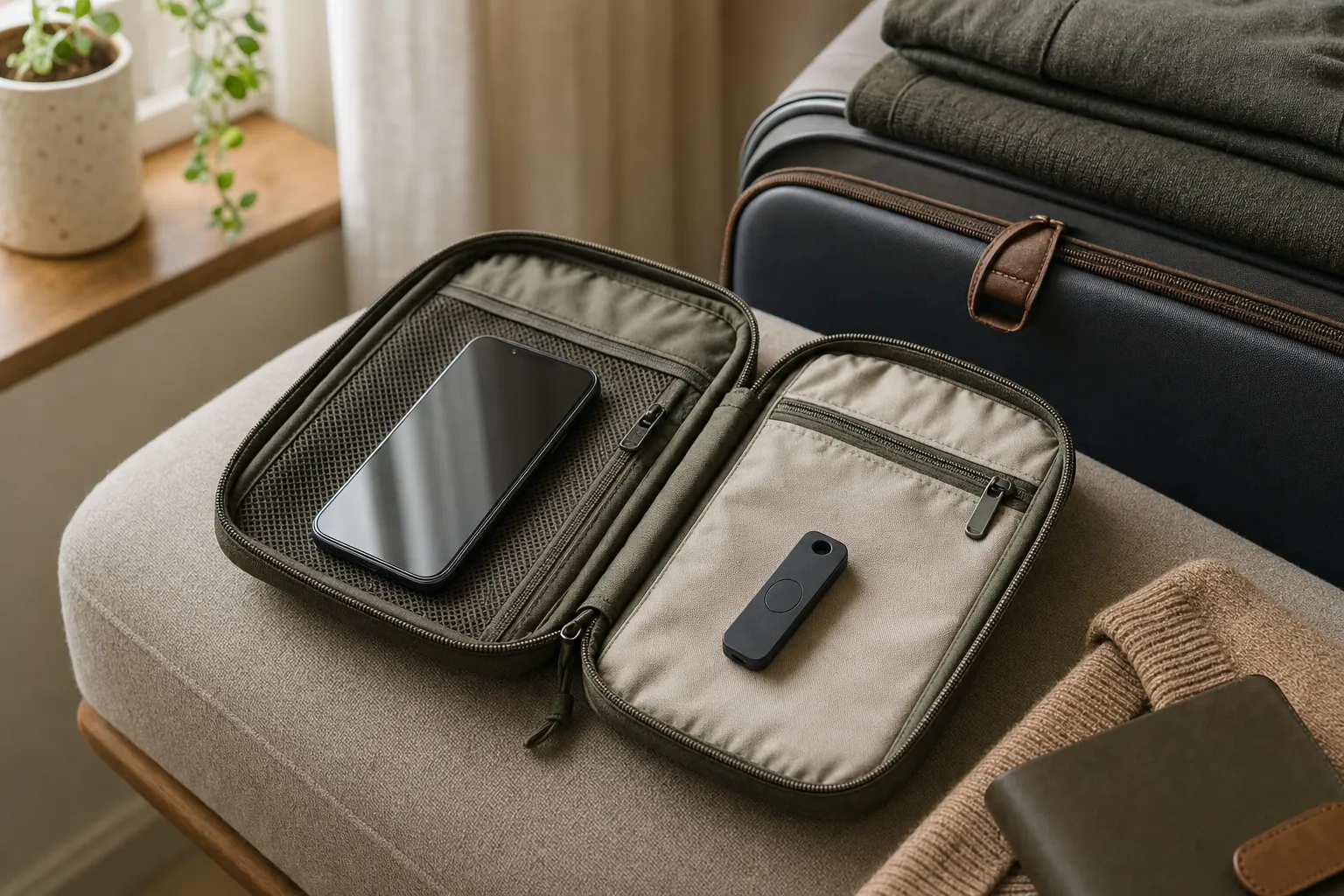
A hardware wallet is worth considering when you want a dedicated confirmation device, expect to hold assets without frequent movement, and are comfortable following a repeatable setup routine. It can also make sense when you want to use a phone or computer while keeping the most sensitive approval step separate.
The Ledger Nano X review looks more closely at one popular option, including its phone and computer workflow, portable form factor, and the security habits that still matter after you buy it. The best fit is not necessarily the device with the longest feature list. It is the one whose routine you will actually follow.
Choose a software wallet instead when you are starting small, need regular access, and are prepared to keep the activity simple. You can always add hardware later after you understand your own pattern of use. Rushing into self-custody because it sounds advanced is not a win.
A practical next step
Make the decision on paper before you buy or download anything. Write down which device you will use, where an offline backup would live, and what you would do if the device were lost. If the plan feels vague, spend time learning before you transfer anything important. That is not hesitation. It is good judgment.
For a broader view of how BCSLTLLC frames product decisions, read our approach. The goal is to help you narrow the options, understand the tradeoffs, and make the next step feel earned.
Frequently asked questions
Is a hardware wallet safer than a software wallet?
A hardware wallet can reduce exposure by keeping private-key operations on a separate device, but it does not make every action safe. You still need to protect the recovery phrase, confirm what the device shows, and avoid phishing pages or fake support messages.
Should a beginner use a hardware wallet?
A beginner can use one, but only after understanding what self-custody asks of them. Start with a small amount, use official setup instructions, and make a calm plan for an offline recovery backup before moving anything important.
Can I use a software wallet and a hardware wallet together?
Yes. Some people use a software wallet for small, routine activity and a hardware wallet for assets they do not need to access often. The useful dividing line is not the amount alone, but whether you can follow the security routine consistently.
What should never be typed into a wallet app or website?
Never enter a recovery phrase because a website, ad, message, or support account asks for it. A recovery phrase can restore control of a wallet, so anyone who has it can potentially take the assets it protects.
Related posts
Crypto & Web3
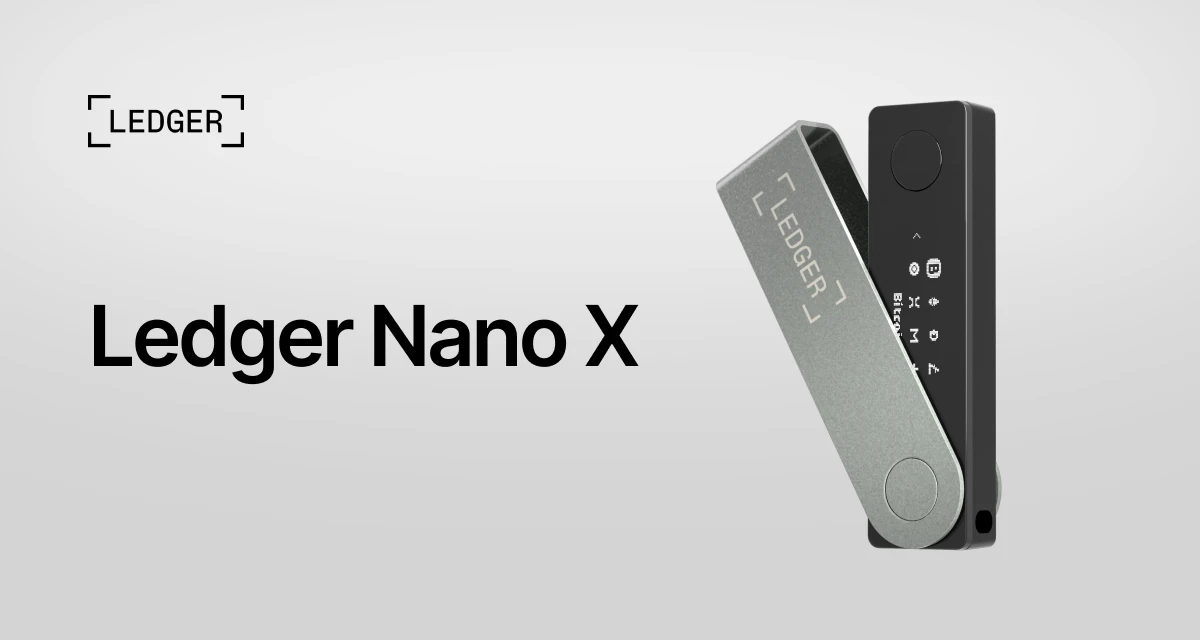
Ledger Nano X Review: What to Check Before You Buy
A practical look at the Ledger Nano X, who it suits, and the setup habits that matter more than the box.
Read the review