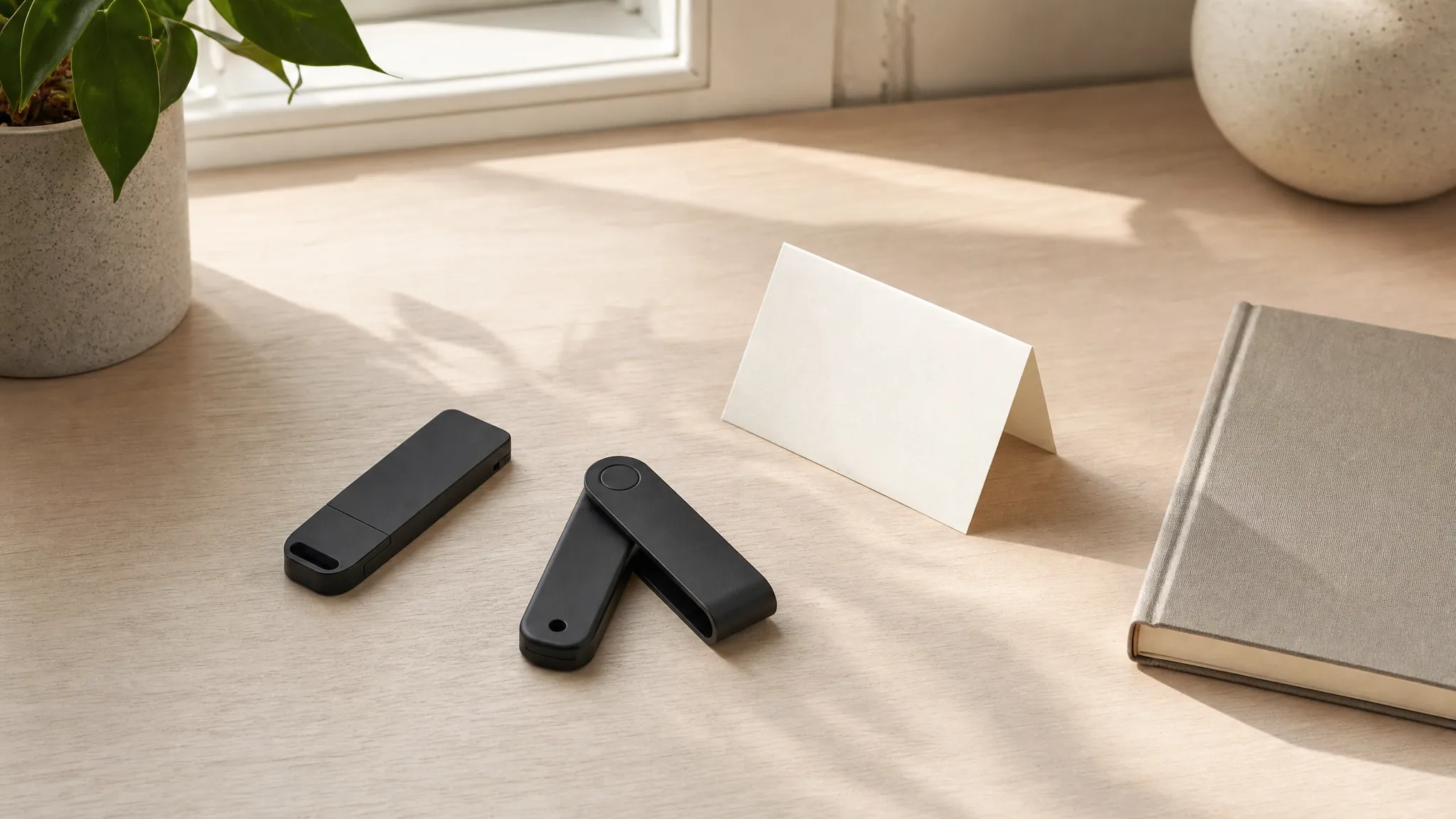
The best hardware wallet is not simply the one with the longest feature list. It is the one that gives you a confirmation process you will use carefully, works with the devices you already own, and does not ask you to pretend that a recovery phrase can be treated casually.
For many buyers, the choice comes down to two practical directions. The Ledger Nano X is the more flexible pick for someone who expects to use a phone alongside a computer and wants broad asset support. The Trezor Safe 5 is the better fit for someone who values a color touchscreen, open-source firmware, and a more deliberate setup. Both are physical devices designed to keep sensitive approvals separate from the browser or phone screen where a request first appears.
That separation can be useful, especially for people who are holding assets for longer periods rather than making frequent moves. It creates a moment to read the destination, amount, and action before confirming. It does not make every decision safe by itself. A fake site can still look convincing, a wrong address can still be pasted, and a recovery phrase can still be exposed. Think of the device as a useful pause, not a substitute for judgment.
Two considered picks
Choose the routine that fits you.
Best for flexible mobile use
Ledger Nano X
The Nano X is the better fit when you want a compact device that can work with a phone as well as a computer. Bluetooth connectivity can make mobile use more convenient, while USB-C gives you a straightforward wired option. Its broad asset support also gives it room to stay useful as your interests change, provided you check that your exact asset and network are supported before you move anything.
Choose this one when portability and a phone-friendly workflow matter more than having a larger touchscreen. It works best for a buyer who sees convenience as a reason to be more intentional, not a reason to approve a request quickly. If you want to check a balance from a phone, make sure the actual transaction approval still happens with enough attention to read what the device shows.
- Compact form with Bluetooth and USB-C options
- Useful for people who move between phone and computer
- Broad support is helpful, but check your exact setup first
Best for a touchscreen approach
Trezor Safe 5
The Trezor Safe 5 is a strong choice for a buyer who wants a color touchscreen and prefers an open-source approach to the wallet’s firmware. A more readable screen can make the confirmation step feel easier to slow down for, which matters when you are checking details that should never be treated as routine. Its support for Shamir Backup can also appeal to people who have taken the time to understand a more advanced recovery plan.
Choose this one when the experience of reading and confirming on the device matters more to you than mobile convenience. It suits a person who would rather make wallet tasks a deliberate desk routine than a quick check between errands. That is not a limitation. For many people, fewer rushed moments is exactly the point of buying dedicated hardware.
- Color touchscreen for clearer on-device review
- Open-source firmware for buyers who value that approach
- Shamir Backup support for people ready to learn the process
Start with your habits, not the spec sheet
Before you buy, picture the moments when you expect to use the wallet. Someone who holds a few assets for months at a time may want a device that stays put in a familiar place until there is a clear reason to use it. Someone who regularly checks a wallet on a phone may value the Nano X’s mobile flexibility. Someone who wants a more visual confirmation experience may prefer the Trezor Safe 5’s touchscreen. The right answer is usually the routine you can repeat without improvising.
Compatibility is part of that routine. Check the phone, computer, browser, wallet app, and asset network you plan to use before the device arrives. Do not assume that a broad support claim answers every detail. The same asset can exist on more than one network, and one wallet workflow can be different from another. A small test transaction is often the clearest way to understand the path before you rely on it for anything meaningful.
Also be honest about how often you will need access. A hardware wallet can be an excellent fit for assets you do not expect to move frequently. It may feel awkward if you are connecting to unfamiliar apps all day, especially if you have not learned what each approval means. More gear does not automatically make a setup more thoughtful. The goal is a manageable system, not a complicated one.
Before you buy
The recovery phrase deserves the most attention.
The physical device can be replaced. The recovery phrase is the backup that may restore access, which is why it cannot be treated like a password reset or a note to keep handy on a phone. Do not photograph it, paste it into a document, save it in cloud storage, or give it to someone who says they are support. A real provider does not need your recovery phrase to help with a routine question.
A practical plan is simple: write the phrase down yourself during official setup, keep it offline, make sure it is legible, and store it separately from the device. You do not need to announce the words to anyone to make a basic contingency plan. You can decide who should know that an important offline record exists without handing them the record itself.
What to check before ordering
- Buy new from a trustworthy listing. Check the seller, condition, return information, and packaging details. A used or unclear listing is not worth the uncertainty for a device that controls access to assets.
- Start from the official setup path. Use the manufacturer’s official website or app source. Do not follow a QR code from a card in the box, a social message, a search ad, or an unexpected email.
- Create the recovery phrase yourself. Never accept a prewritten phrase. A device should guide you through creating one during setup, and the words should remain private and offline.
- Practice with a small amount. Send or receive a test amount first. Confirm the exact network and read the device screen before approving. A few patient minutes can reveal a confusing step before it becomes expensive.
- Keep your plan boring. Decide where the device lives, where the offline backup lives, and when you will use each. The strongest setup is usually the one you can explain clearly after several months.
What a hardware wallet cannot do for you
A hardware wallet cannot tell you whether a token is a good investment, whether a website is legitimate, or whether a transaction will be reversible. It cannot recover a phrase that was lost or exposed. It cannot make a risky approval harmless just because a physical device was involved. Those limits are not a reason to avoid hardware. They are a reason to keep the role of the device clear.
Use it to add a separate confirmation step to a process that already includes good habits. Slow down when a request creates urgency. Check the address and network. Close a tab when something looks unfamiliar. Use official support channels for the provider involved. A wallet is most valuable when it interrupts autopilot.
Which hardware wallet should you buy?
Choose the Ledger Nano X when a compact device, phone use, and broad asset support make your real routine easier to maintain. Choose the Trezor Safe 5 when a touchscreen, open-source firmware, and a more desk-based confirmation flow feel like a better match. Neither pick removes the need for careful recovery planning, but each can give the right buyer a clearer way to authorize an action.
For a broader look at the category, visit the Crypto & Web3 shortlist. For a closer look at one of these picks, read the Ledger Nano X review or the guide to hardware wallets versus software wallets. BCSLTLLC may earn a commission from qualifying purchases, at no additional cost to you.
Frequently asked questions
What is the best hardware wallet for a first-time buyer?
The better first pick is the one whose routine you can follow. The Ledger Nano X is a strong option when phone use and broad asset support matter. The Trezor Safe 5 is a strong option when you prefer a touchscreen and an open-source approach. In either case, make an offline plan for the recovery phrase before moving anything important.
Should I buy a hardware wallet from Amazon?
You can compare current Amazon listings, but check the seller, condition, return details, and packaging carefully. Buy a new device from a trustworthy listing, complete setup yourself through the manufacturer’s official instructions, and never use a recovery phrase supplied in the box.
Is a hardware wallet safer than keeping crypto on an exchange?
A hardware wallet can add a separate confirmation device for self-custody, but it also puts more responsibility on you. It does not protect an exposed recovery phrase, a rushed transaction, or a phishing page. The right choice depends on whether you are ready to manage that responsibility.
Do I need both a hardware wallet and a software wallet?
Not necessarily. Some people keep a small learning balance in a software wallet and use hardware for assets they do not need to access often. A single, well-understood setup is better than several tools with unclear roles.