
Crypto wallet security is less about finding one perfect setting and more about building a routine that still works when you are distracted. A wallet can give you control over access, but that control comes with decisions that are hard to reverse. These habits are designed to make those decisions slower, clearer, and less dependent on a lucky moment.
Start by separating the risks
A crypto wallet can be exposed in different ways. Someone may trick you into revealing a recovery phrase. You may approve a transaction on a lookalike website. A phone or laptop may be lost, unlocked, or shared. You may send assets on the wrong network or to the wrong address. A hardware wallet can help with some parts of this picture, but it does not cover everything.
That is why the strongest starting point is not “What device should I buy?” It is “What decisions will I need to make, and how can I give each one enough attention?” BCSLTLLC’s hardware wallet versus software wallet guide explains the tradeoff between easy access and a separate approval device. This article focuses on the habits that matter whichever route you choose.
You do not need an elaborate system on day one. You need a routine you can explain in plain language: where you access the wallet, where the recovery phrase is stored, what you verify before a transfer, and how you handle an unexpected message. If any answer feels improvised, pause before moving more money.
1. Keep the recovery phrase offline and private
A recovery phrase can restore access to a wallet. In practical terms, anyone who gets those words may be able to take control of the assets associated with them. Treat it more like the master key to a locked room than a password you can reset through customer service.
Write the phrase down carefully when you create it, keep the words in the right order, and choose an offline location you can protect from casual access, loss, and damage. The point is not to make lots of copies or to turn your home into a vault. It is to make one reliable plan that will still make sense months later. Ledger’s recovery phrase guidance makes the core rule clear: never share it with anyone.
Do not photograph it, place it in a cloud note, save it in an email draft, or type it into a spreadsheet to print later. Connected convenience has a long memory. A screenshot can move through photo backups, a note can sync to another device, and an email account can become a single point of failure. An offline phrase is not invincible, but it avoids creating a digital copy that can be copied again without you noticing.
2. Never enter the phrase because a site or person asks
A legitimate wallet provider does not need your recovery phrase to help with an order, app update, account question, or transaction problem. Any message, ad, QR code, support account, or website that requests it should be treated as a stop sign.
Scams often work by creating urgency. A message might say your wallet has been compromised, a transfer is waiting, an account needs verification, or a device must be synchronized immediately. The wording can look polished. That does not make the request real. The U.S. Cybersecurity and Infrastructure Security Agency’s phishing guidance recommends resisting unexpected links and reporting suspicious attempts rather than reacting under pressure.
When you need help, start from the provider’s official website or app that you reached yourself, not from a search ad, direct message, or link sent by a stranger. Type a known address, use a saved bookmark, or navigate from the product’s official support area. It feels slower, which is exactly the point. A few extra seconds are cheaper than typing a phrase into a convincing copy of a real site.
3. Give every transaction a quiet moment of verification
Before you send assets, approve a connection, or sign a request, create enough space to review it. Check the destination address, amount, network, and the exact action you are approving. If something looks unfamiliar, close the request and come back when you can understand it. A transaction does not become safe merely because it is popular, urgent, or attached to a familiar logo.
Copying an address reduces typing mistakes, but it does not replace verification. Malware and browser extensions can interfere with copied information, and a convincing website can display familiar branding around the wrong action. If you use a hardware wallet, read what appears on the device screen rather than relying only on the browser or phone.

A small test transfer is one of the simplest safety habits available. Send an amount small enough to treat as practice, wait for it to arrive, and confirm that it reached the intended wallet on the intended network. Then decide whether a larger transfer makes sense. This is especially useful when you are moving assets from an exchange, using a new wallet, or dealing with an address you have not used before.
4. Protect the phone or computer that reaches your wallet
Your wallet may be on a phone, computer, browser extension, or paired with a hardware device. The connected device still matters. Use a strong screen lock, keep the operating system and wallet software current, and avoid handing an unlocked device to someone else while a wallet is open.
Multi-factor authentication is useful for the email account, exchange account, and other services around your crypto activity. It does not protect a recovery phrase once that phrase has been shared, but it can make ordinary account takeovers harder. CISA’s guidance on multi-factor authentication is a useful reminder that a second proof of identity adds protection when a password is compromised.
Keep your browser simple when you are using a wallet. Close unrelated tabs. Do not install extensions because a social post promises a shortcut. Do not download a file that claims to repair a wallet issue. The goal is not paranoia. It is reducing the number of things competing for your attention during a task that can have permanent consequences.
5. Treat wallet approvals as seriously as transfers
Sending assets is not the only action that deserves a pause. Many wallet interactions ask you to approve a connection, sign a message, or allow an application to spend a token. The wording can be technical, and the request can arrive while you are trying to reach something else. That is a poor moment to guess.
Read the request. Ask what site is making it, what account or asset it involves, and whether you expected the prompt. If you cannot explain the action, reject it and learn more first. A rejected request is inconvenient. An approval you do not understand can be much harder to untangle.
It also helps to keep separate roles for separate amounts. Some people use a software wallet for small, routine learning activity and a hardware wallet for assets they plan to hold. That split is not required, and it adds more recovery planning. But it can make your own limits clearer. The better setup is the one you can operate carefully, not the one that sounds most advanced.
6. Do not let a hardware wallet create false confidence
A hardware wallet can keep important approval steps on a separate device, which creates a useful pause between an online request and your confirmation. That is a meaningful advantage for a person who wants a more deliberate routine. It cannot tell you whether a website is genuine, whether a token is legitimate, or whether an approval is wise.
The hardware wallet buying guide compares two popular options and the kinds of routines they suit. The decision should come after you have thought about your phone or computer, your recovery phrase plan, and how often you truly need access. A hardware wallet is a tool for careful people, not a shortcut around careful behavior.
Use the device screen as a final check. If it shows a different destination, amount, or action than you expected, reject the request. The safest response to a surprise is usually to stop. You can always start a transaction again from a verified path.
7. Keep your backup plan separate from your everyday device
A wallet device can be lost, damaged, or replaced. That is why the recovery phrase matters more than the physical device. The backup needs to be protected, but it should not travel in the same bag or sit in the same obvious drawer as the phone, laptop, or hardware wallet it can restore.

Think through ordinary events. What happens if you move? What happens if a visitor sees your workspace? What happens if the device is damaged by water or misplaced during travel? A good backup plan does not have to be dramatic. It should be readable to you, stored in a place you can protect, and separate enough that one lost item does not take everything with it.
Decide whether a trusted person needs to know that an offline record exists. You can make a contingency plan without giving anyone the phrase itself. The important part is being intentional. A vague plan that depends on memory is difficult to rely on during a stressful moment.
A simple first-week routine
- Use the official setup path. Download wallet software from the provider’s real site or app store listing, not a message, ad, or QR code.
- Create and protect the recovery phrase. Write it down offline, confirm the order, and put it in the chosen location before you move significant assets.
- Secure the surrounding accounts. Add multi-factor authentication to the email and exchange accounts that could affect your crypto activity.
- Practice with a small amount. Test the receiving address and network before you make a larger transfer.
- Build a pause into every approval. Read the destination, amount, network, and requested permission. If it is unclear, stop.
This routine is intentionally ordinary. It does not promise perfect protection, and it will not make every crypto decision easy. It gives you a repeatable way to reduce avoidable mistakes before an unexpected message or rushed click has a chance to become expensive.
When to pause instead of pushing through
Pausing is a valid safety action. Stop when a website, prompt, token, address, network, or support request is unfamiliar. Stop when you are tired, hurried, or trying to complete a transfer in a public place. Stop when the next step depends on information you cannot verify from an official source. You are not losing an opportunity by taking a break. You are protecting your ability to make a decision you can explain and repeat.
That same restraint applies after a mistake. Do not hand over a recovery phrase to a person who claims they can recover funds. Do not install a remote-access tool because a support message tells you to. Use the verified provider channels, document what happened, and avoid making a second rushed decision to solve the first one.
How BCSLTLLC can help you choose the next step
Once the basic safety routine feels manageable, use BCSLTLLC’s Crypto & Web3 shortlist to compare a small set of relevant products without opening dozens of tabs. If you are considering a Ledger Nano X specifically, the Ledger Nano X review covers its mobile-friendly workflow and the setup habits that still matter after the box arrives. The best next step is the one you understand well enough to follow calmly.
Frequently asked questions
What is the most important crypto wallet security tip?
Keep your recovery phrase private and offline. A hardware wallet, strong password, or careful browser setup cannot undo the damage if someone else obtains the phrase that restores access to your wallet.
Should I keep crypto in a hardware wallet?
A hardware wallet can be useful when you want a separate device for transaction approvals and are prepared to protect an offline recovery phrase. It is not mandatory for every person or every amount, and it does not make a risky website or approval safe.
How do I know whether a wallet message is a scam?
Treat an unexpected message as suspicious when it creates urgency, asks for a recovery phrase, directs you to a new website, or promises to fix a problem if you act immediately. Go to the provider through a saved official address instead of following the message.
Can I save a recovery phrase in a password manager?
A recovery phrase deserves a separate, offline backup plan. Saving it in a connected app, cloud note, email draft, or screenshot creates more ways for a compromise or shared device to expose it.
Is a small test transaction worth doing?
Yes. A small test transfer gives you time to confirm the correct address and network before a larger amount is involved. Wait for it to arrive where expected, then decide whether the next step is appropriate.
Related posts
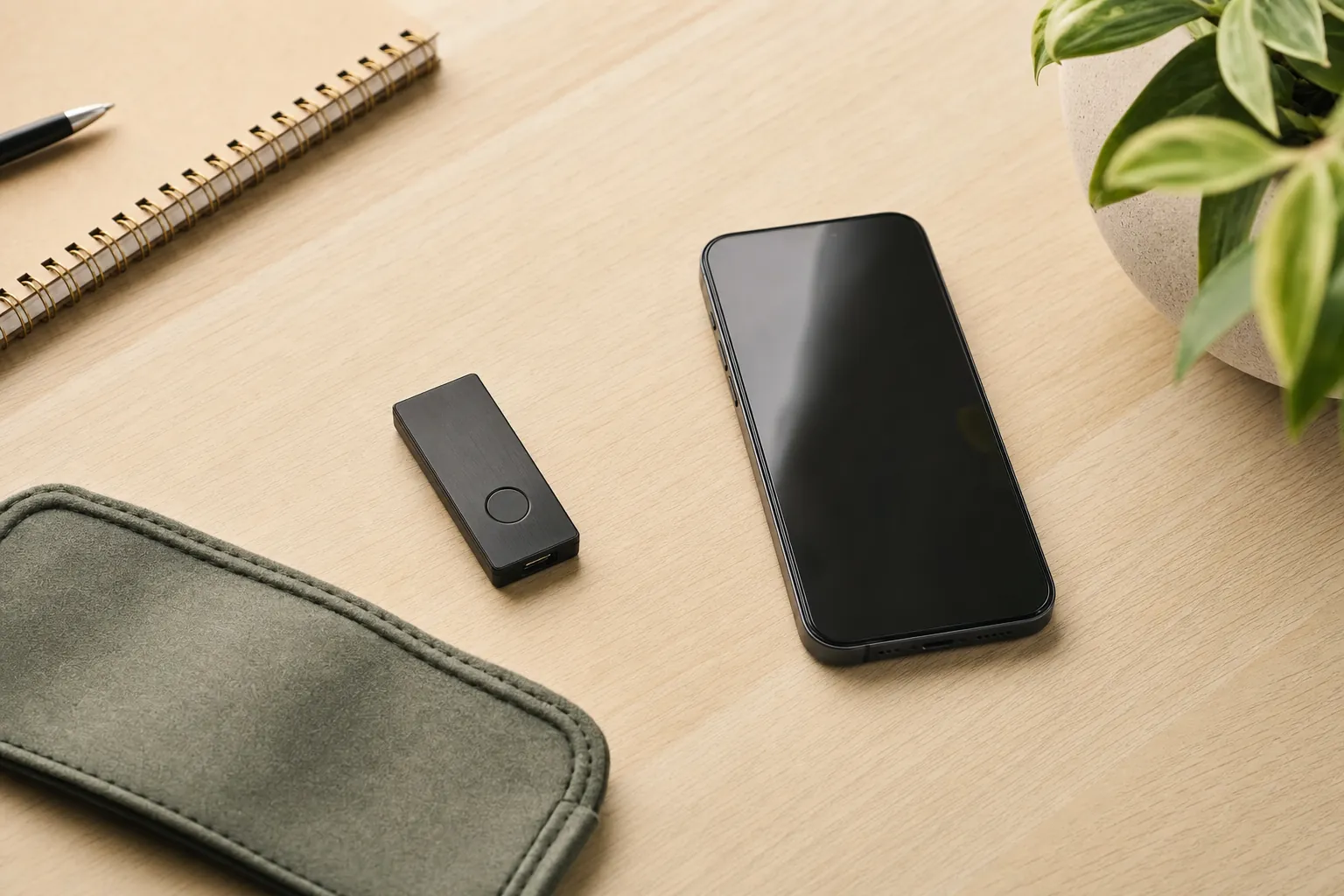
Crypto & Web3
Hardware Wallet vs. Software Wallet: Which Fits You?
A practical comparison of convenience, control, and the habits each type of crypto wallet asks from you.
Read the guide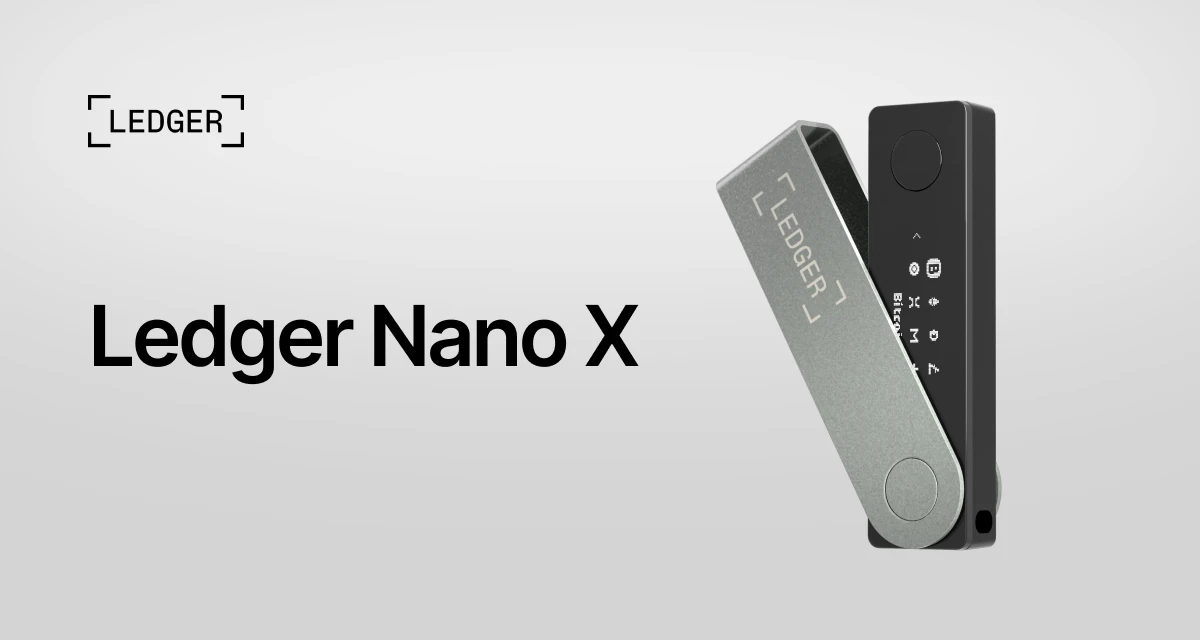
Crypto & Web3
Ledger Nano X Review: What to Check Before You Buy
A practical look at the Ledger Nano X, who it suits, and the setup habits that matter more than the box.
Read the review